Removing an Expiration
Expirations that have been created Manually, can be removed using the directions below.
Removing/Deleting an Expiration
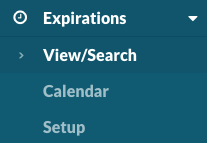
Select Expirations > View/Search to see a complete listing of all expirations.
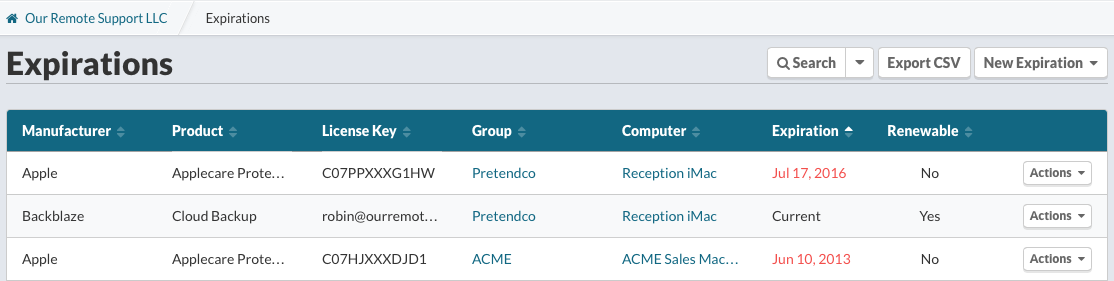
Locate the expiration(s) to remove using sorting or searching.
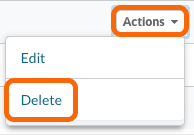
From the Actions menu, select Delete
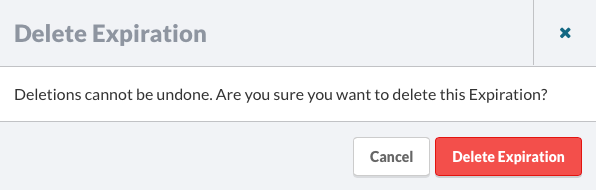
Confirm you wish to delete this Expiration.