Viewing the status of a monitored computer
The easiest way to see the overall status of a monitored computer is to log in to your Dashboard.
For convenience, Watchman Monitoring also provides other ways to directly access a computer’s status.
Links inside the emailed warning
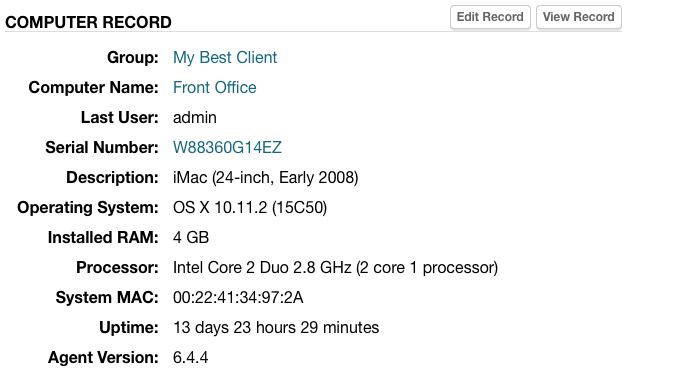
Watchman Monitoring notification emails include links to your dashboard.
- Group name links to the computer’s group on your Dashboard
- Computer Name links to your Dashboard page for the computer
- Serial Number links to Apple’s Check Coverage page for the computer
View a Record From a Monitored Computer
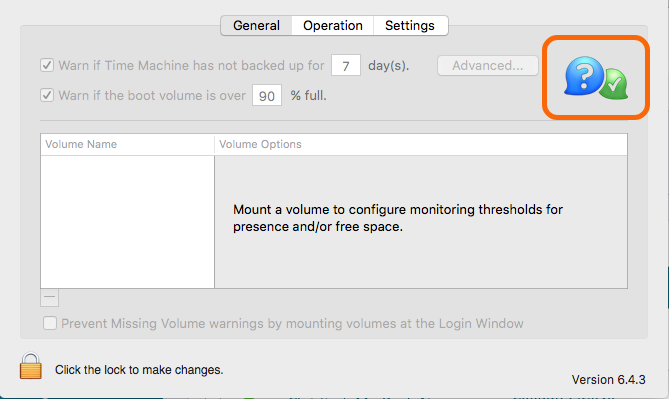
In the PreferencePane of the monitored computer, Option-Click or Control-Click the monitoring client logo to launch a browser interface to that computer’s record (Login will be required).