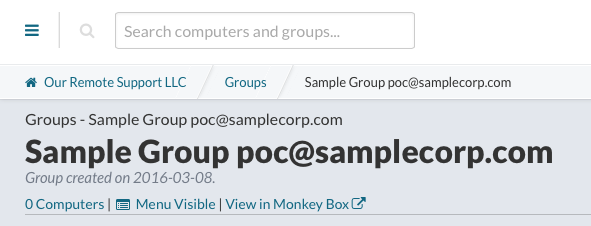
Change Group Name in Dashboard
Locate the Group
- Log into the Watchman Monitoring Dashboard
- Locate the Group you wish to edit
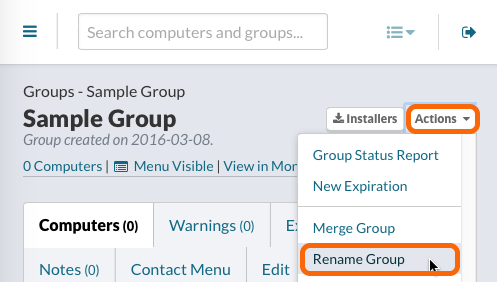
- Click the Actions in the top-right corner and choose Rename Group.
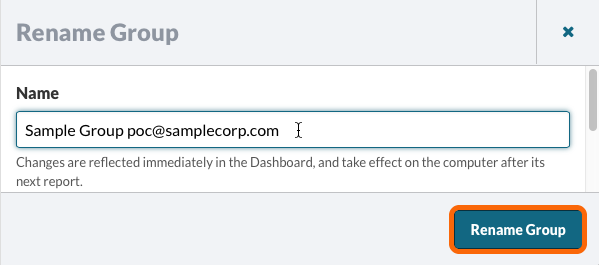
- Edit the group name.
Tip
Adding the point of contact email as the group name or to the group name, you can easily copy and paste the requestor email address, when the ticket is generated.
- Click Rename Group.
The group name is now changed.