Change the Group Via Command Line or Script
Using Apple Remote Desktop
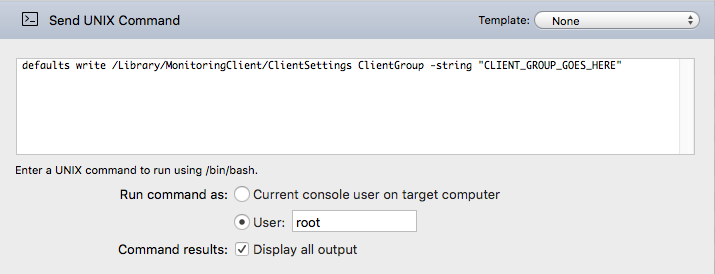
The Group can be changed by sending the following command with root permissions via Apple Remote Desktop:
defaults write /Library/MonitoringClient/ClientSettings ClientGroup -string "CLIENT_GROUP_GOES_HERE"
Using Terminal
For a single computer, the Terminal command is:
sudo defaults write /Library/MonitoringClient/ClientSettings ClientGroup -string "CLIENT_GROUP_GOES_HERE"
The Group can also be overridden on the server. Details at this article