Stale Plugin Results
Watchman Monitoring considers a plugin stale after 24 hours of not receiving a report from a plugin. Stale Results are listed below regular plugin results on the Computer Overview.
Stale Results
Plugin Results which are not updated during current reports are considered Stale after 24 hours, and are displayed on the Computer Overview.
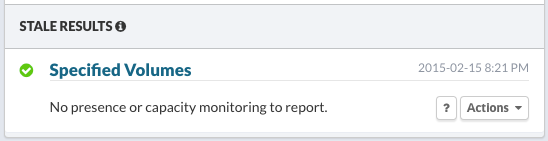
Acknowledging Plugin Results
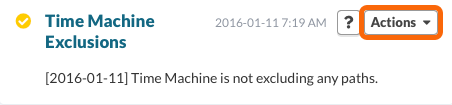
Use the Actions menu to acknowledge and clear these Stale results.
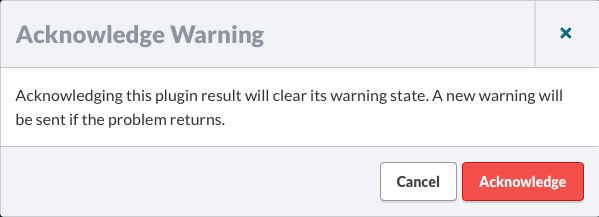
Choose Acknowledge Warning… to clear its warning state. If the problem returns, a new warning will be sent.
Clearing Stale Results
You can clear stale plugin results by choosing to Delete History… from the Actions menu for the plugin.
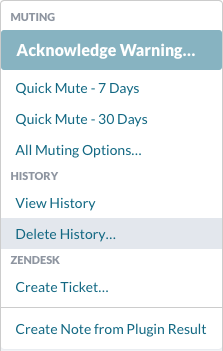
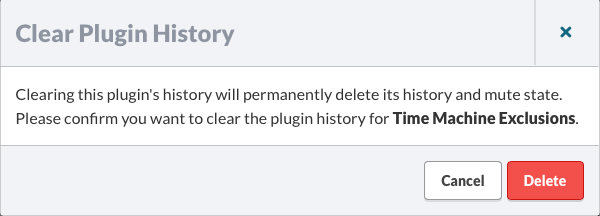
Selecting Delete History… will bring up the following Clear Plugin History dialog. Click Delete to clear the plugin history.
Locating Stale Results
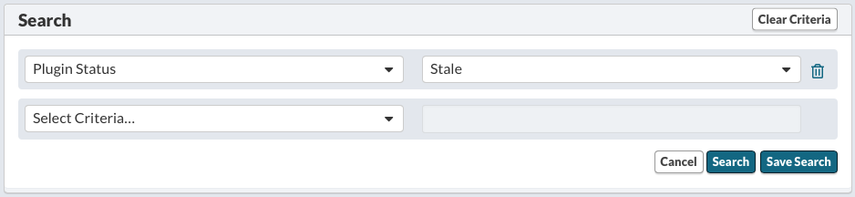
Locate Stale Plugin Results using the Plugin Results Search by selecting Plugin Status and Stale for a status. Then click Search.
Tip
Permalink: https://watchmanmonitoring.com/stale-plugin-results