SimpleHelp Integration
SimpleHelp is a remote support software option. The Watchman Monitoring Server has a field to store the direct connect URL. Once stored, the direct connect URL will be display in the Server interface and will be included on issue and alert emails for the machine.
Adding SimpleHelp Direct Connect URLs to a Computer Record
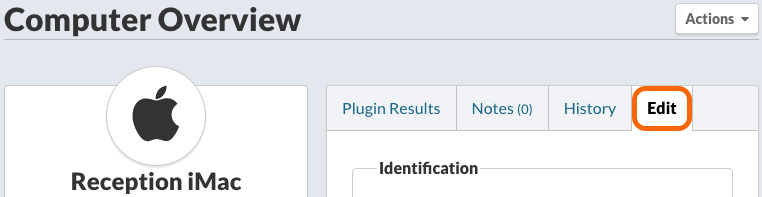
While viewing a Computer Overview, click the Edit tab.
Scroll down to Remote Access Integrations
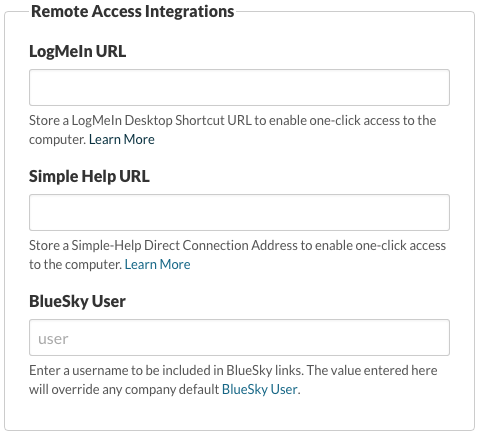
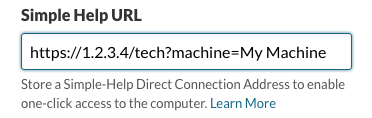
Enter the Simple Help URL in the Simple Help URL field.
Tip
SimpleHelp provides three URLs. We recommend the Technician launch link.
To access the URLs, select a computer, click the link icon on the details bar to reveal the three URLs. To the right of the Technician launch link, click the Copy button and paste the URL into the SimpleHelp URL field in the computer record.
Note
Learn more about SimpleHelp’s direct connect URLs to enable remote access to a specific machine with just a click.
Save Settings

Click Save to save any settings changes made to the Computer Record. Navigating away from the page will also confirm leaving the page, if settings changes have not been saved.