About the Daily Open Issue Warnings Summary
Receive individual or daily summary email notifications for outstanding warnings. This email is designed to be sent to the email address/distribution list of people directly responsible for management of incoming work.
Daily Summary Report
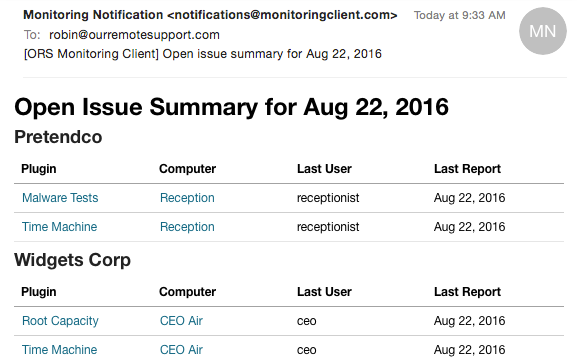
Summary emails are grouped by Group Name, Computer, and then the Plugin(s) producing the warning.
Plugin Links
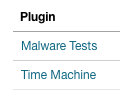
Clicking on the Plugin Name will take you to the plugin history for that computer.
Computer Links

Clicking on the Computer Name will take you to that computer record.
Warning
If you are using a ticket system integration, Open Warnings will be managed by your ticket system. You will not receive these summary reports.
Open Warning Emails
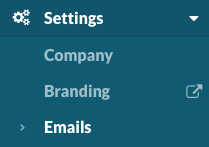
Navigate to Settings > Emails.
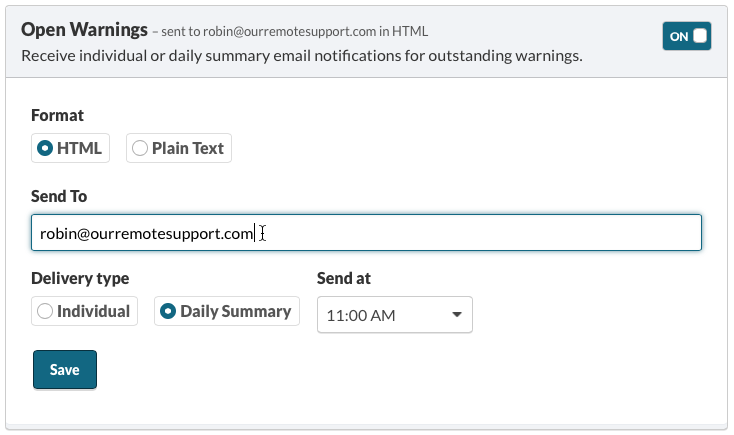
Open Issue emails are a daily recap of all open issues.
Note
Daily summary emails send one email with all open issues daily at the specified time.
Individual emails will send one email for each open warning.
Learn more about Configuring email alerts for ticketing systems