How do we cancel our subscription?
A subscription to Watchman Monitoring has no contract and can be cancelled at any time.
Billing
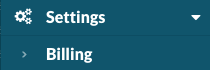
Navigate to Settings > Billing.
Billing Plan
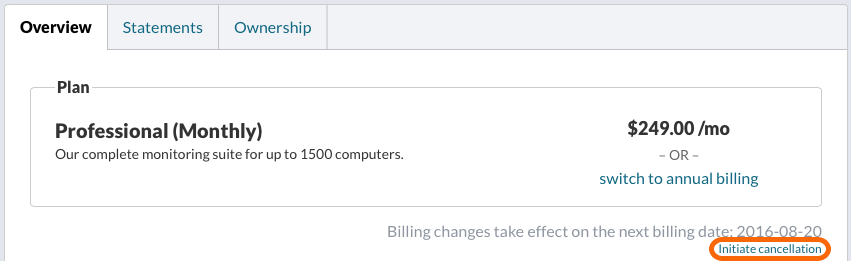
Monitored computers will continue to report to the server even after cancellation. If desired, the Monitoring Client can be scheduled for remote removal. Instructions for triggering Remote Removal are here: Remote Remove the Monitoring Client. After cancelation, scheduling of remote removal may be requested by reaching out to support, even without current access.
Tip
Subscriptions can be re-activated at any time. Re-subscribe by emailing [email protected]. Computer records of client computers which were not scheduled for remote removal will be present.
Note
Access to the server interface is available until the next renewal date. Your renewal date or next billing date is listed below your current plan.
Permalink: https://watchmanmonitoring.com/cancel