Creating New Users in the Dashboard
Multiple level access controls are available to control visibility of Client Groups: Owner, Admin, Employee, and End User. Learn more about User Permissions.
Creating Users
Navigate to Settings > Users in your dashboard.
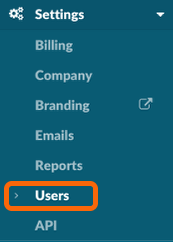
Click Add User(s) button to add one or more additional users to your Watchman Monitoring Dashboard.

Enter the new users First Name, Last Name and Email address.
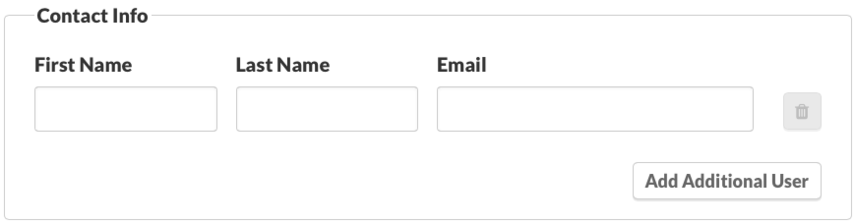
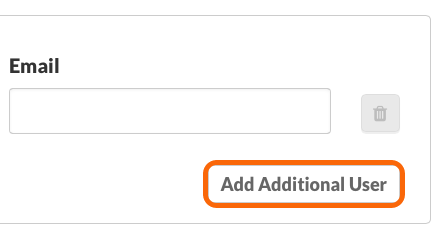
You can add additional users with the same permissions by clicking the Add Additional User button.
An additional line will be displayed.
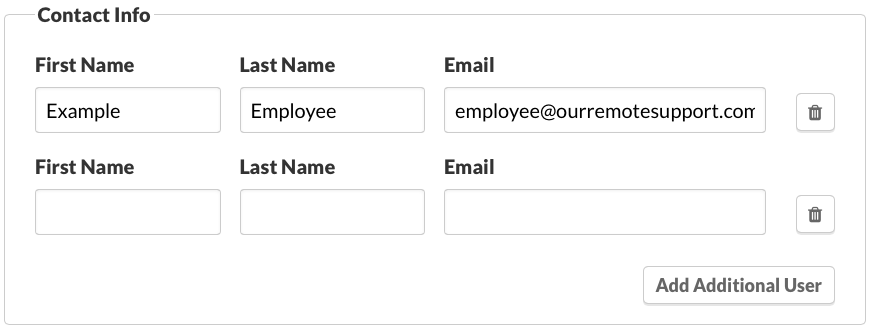
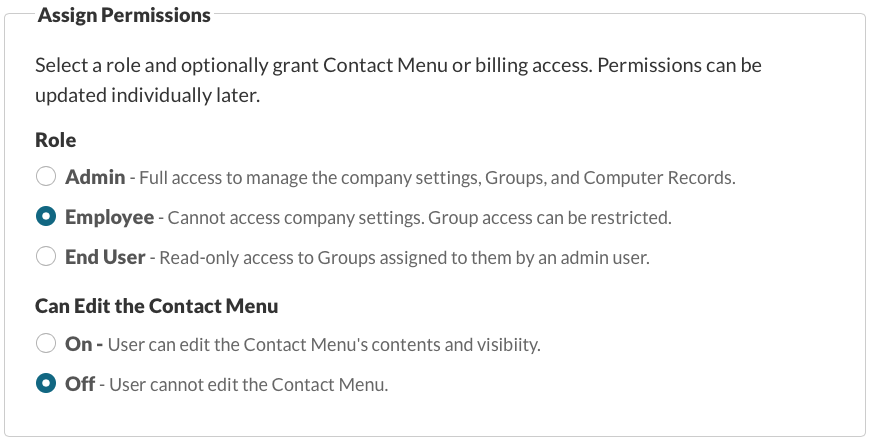
Enter Information and Set Permisions for the new user or users.
Restrict Group Access
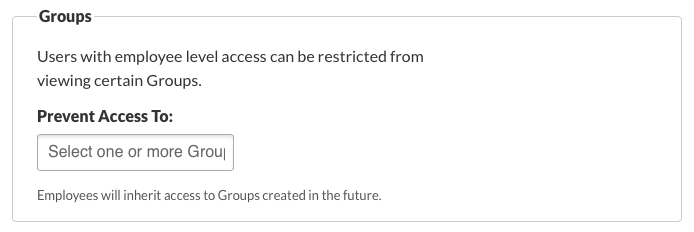
Employees
Select the groups this user should not have access to.
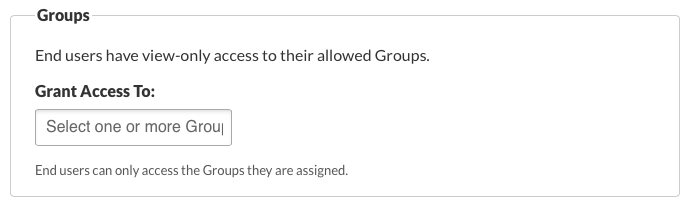
End Users
Select the group this user should have access to.
Important
Admin and Owner Users have access to all groups.
When ready, click Save to add the new user(s) to your Dashboard with the selected permissions.
