About the Plain Text Email option
The Plain Text format for Alert Notifications formats emails to be easily digested by a ticketing system, and provide links back into Watchman Monitoring for muting and other actions.
Plain Text Email Format
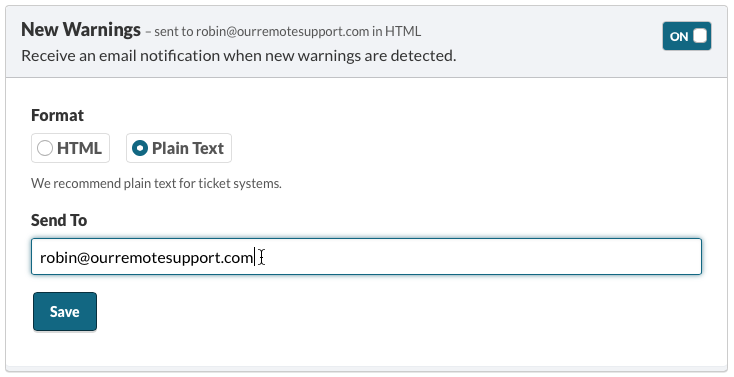
When Plain Text is selected, reports are sent with the following characteristics:
- Plain text formatting takes the guesswork out of HTML interpretation.
- Separate emails are sent, one per issue, allowing each to be addressed separately.
- Demographics are included to help identify the affected computer.
- Auto-muting links prevent duplicate tickets by allowing issues to be muted for 7 or 30 days with the click of a link.
Example Plain Text Email
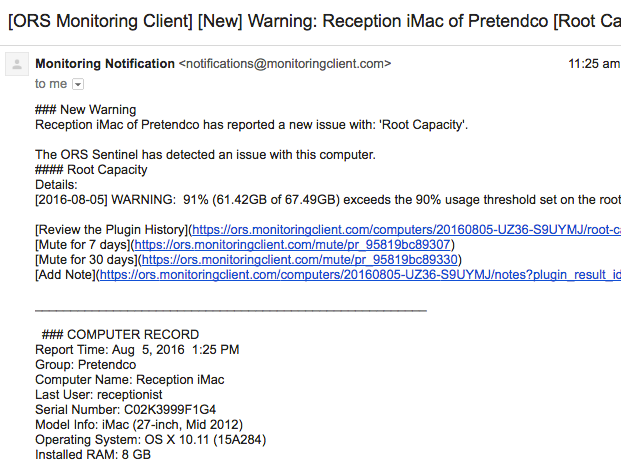
The Plain Text email will summarize the Warning and provide actionable links.
Actionable Links Include:
Below the action links, is a summary of the Computer, Group Description, Computer Description, Warranty Info/Warranty Status, and links to Integrations.
Note
Emails are formatted in Markdown for systems that support the lightweight markup language.