Billing Statements
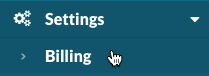
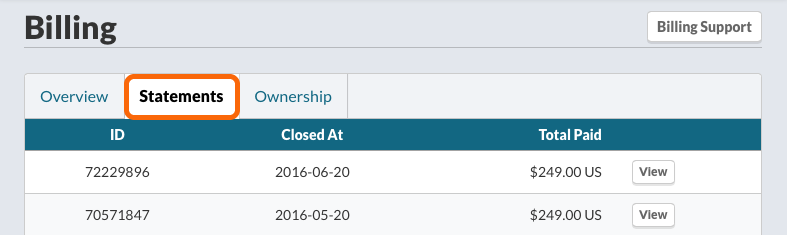
Billing statements are visible in the Watchman Monitoring dashboard to Owners and those who’ve been granted Billing Access. Navigate to Settings > Billing > Statements.
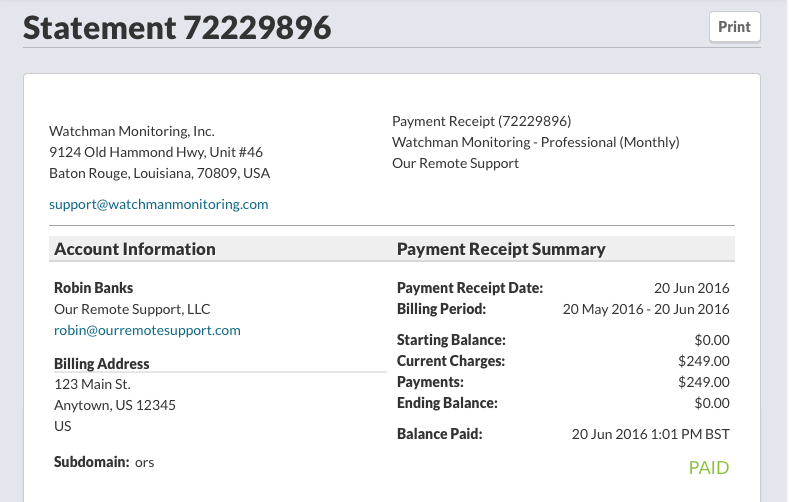
Click View button to view the Statement for that billing period close date.
Warning
Due to processes within our billing partner’s process, coupons can appear as payment, but are in fact, not billed to your account.
Tip
Please email support with any questions about the statements in your billing portal.
Related Articles: